Tom YoungDigital Specialist
Updated: Apr 19, 2026 | Read time 11 min
Best speech-to-text AI guide: APIs, platforms and services compared
Speech-to-text has moved from novelty to enterprise infrastructure. Here's how the leading platforms stack up in 2026 — and how to pick the right one.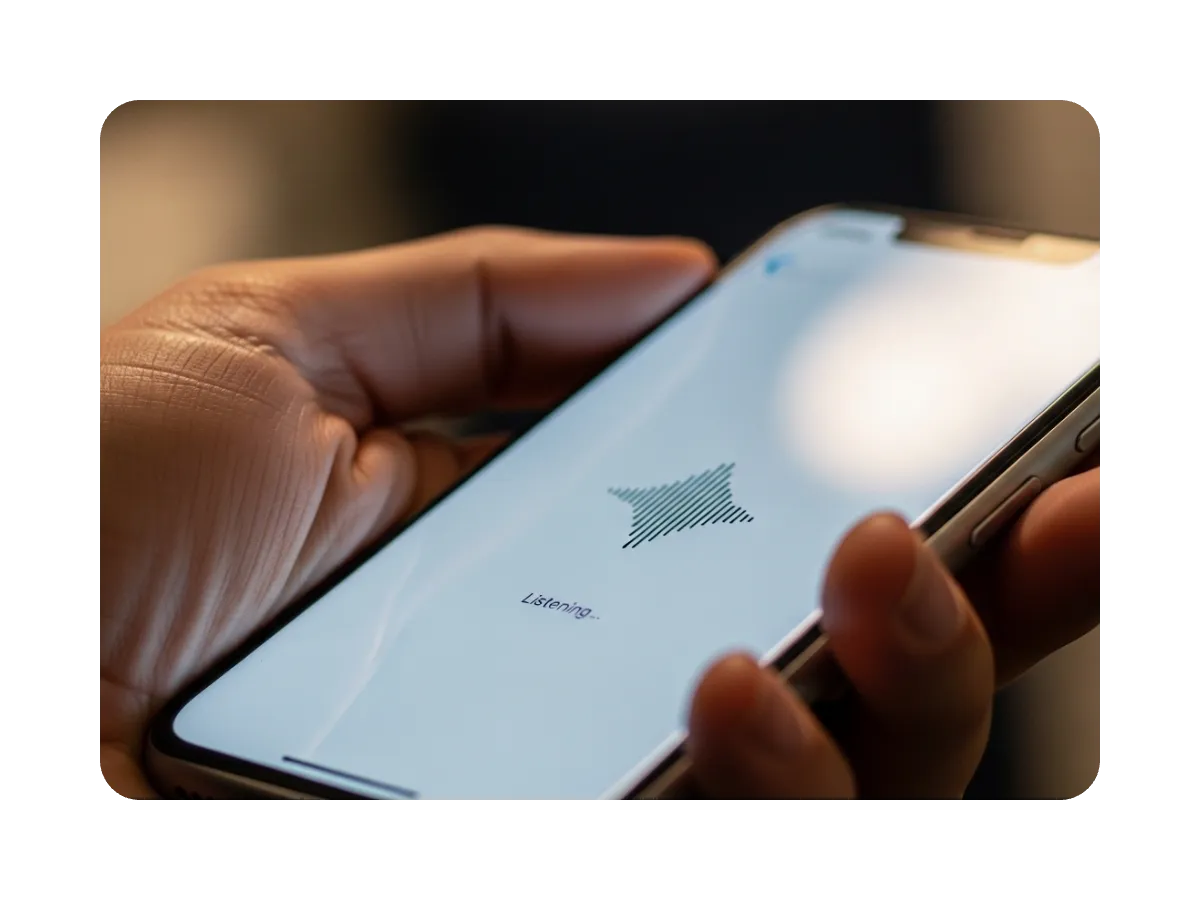
Over the past few years, the evolution of the speech-to-text market has been staggering; shifting from experimental gimmicks into genuine infrastructure at enterprise scale.
The tools available in 2026 span specialist enterprise APIs, developer-first platforms, hyperscaler managed services, and professional dictation software, each serving different buyers. A developer building a real-time voice agent is making a very different evaluation from a contact center operations lead automating call transcripts, or an enterprise team running multilingual audio through a HIPAA-constrained environment. Picking between them on accuracy figures alone misses the point.
The field is also getting busier. A new wave of entrants is expanding the market, including Soniox, Cartesia, Mistral’s Voxtral, Microsoft AI’s MAI-Transcribe-1, NVIDIA’s Parakeet family, and ElevenLabs. Some already offer live APIs or hosted access, while others are earlier in enterprise packaging, procurement maturity, or managed-service readiness than the platforms most large teams are likely to shortlist first.
The scale of the category makes the stakes clear. The average person speaks at around 150 words per minute, roughly three times faster than they type, and with 81% of US adults now using voice search daily, voice to text tools have moved from feature to infrastructure.
This guide covers eight established speech-to-text platforms and transcription services, alongside the built-in voice typing tools and consumer dictation apps that serve a different set of needs entirely.
How we evaluated these speech recognition and transcription tools
Before we start, the criteria below are ordered by the weight they carry in real-world evaluation (not a clean demo – a big watch out in this space).
High-quality speech-to-text tools achieve accuracy rates between 93% and 99%, but again, those figures come from vendor benchmarks on clean audio. The real test is what happens when audio gets difficult: a call center conversation, a clinical consultation, a meeting where multiple speakers interrupt each other.
Speech-to-text AI platforms and services compared
The tools in this comparison also fall into four categories, each serving a meaningfully different buyer.
Voice to text technology has diversified significantly in 2026, and the market breaks into three lanes with meaningfully different trade-offs.
Speechmatics spans enterprise and developer use cases, offering deployment control and compliance depth alongside real-time API performance. Developer-first platforms optimize for speed-to-ship. Hyperscalers win on ecosystem fit, typically at the cost of deployment portability.
For teams evaluating voice to text options across those lanes, what follows is an evidence-grounded account of where each of the seven stands.
Speechmatics
Enterprise and developer speech to text with speaker diarization, real-time API and flexible deployment.
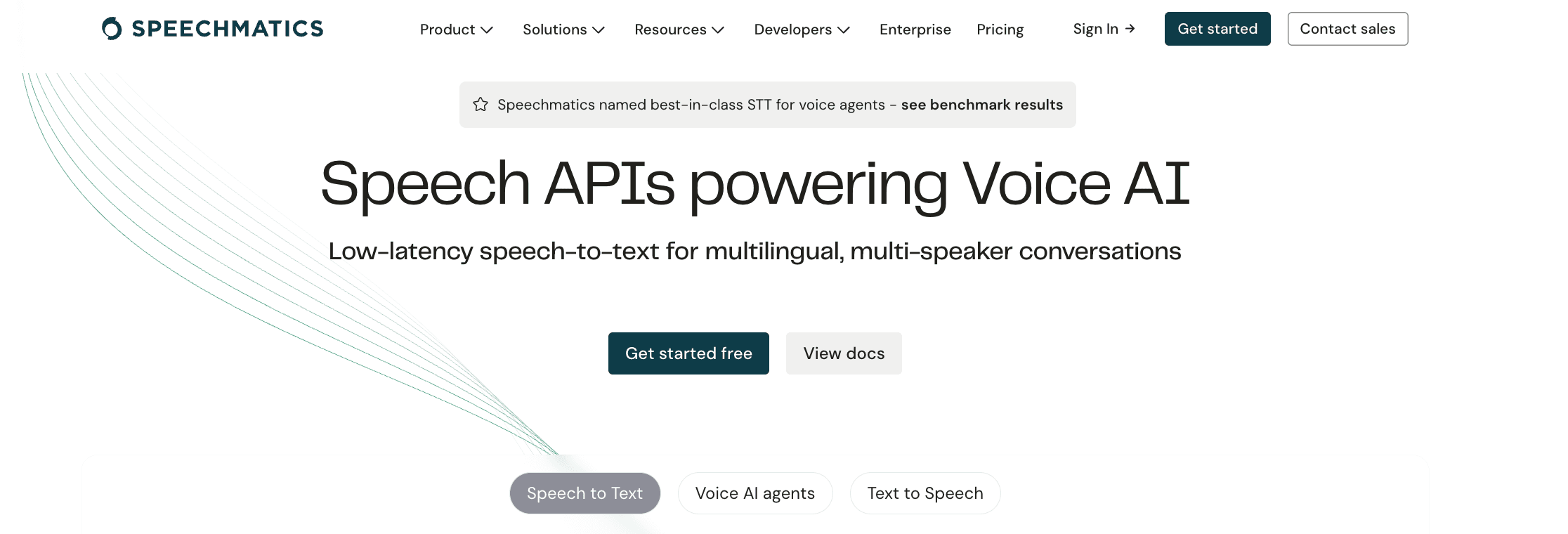
Best for: Regulated enterprises and developers building voice agents who need high accuracy across accents, dialects and languages, market-leading speaker diarization, and deployment control across cloud, on-premises, and on-device (with customers like Adobe).
Speechmatics is a Cambridge-based specialist speech vendor that serves two distinct buyers well. For enterprises that demand high accuracy such as medical transcription, financial services, contact centers, and public sector, it offers deployment flexibility that extends beyond managed cloud, with on-premises and on-device options.
For developers building voice agents and real-time speech applications, it offers the same technical depth: broad accent handling without per-accent model configuration, a production-grade real-time API, and documentation quality that holds up in production. Most transcription services optimize for one of those two buyers. Speechmatics covers both.
Speaker diarization
Speaker diarization is where Speechmatics separates itself most clearly from the competition.
The platform identifies and labels individual speakers in a recording, operating in both real-time and batch modes. For most transcription services and developer-first platforms, speaker diarization is a secondary feature or a paid add-on. At Speechmatics, it is a core capability included across plans, not priced as an extra line item.
Speaker diarization is included as a core feature in Speechmatics, not priced as a paid add-on. For any production environment handling more than one speaker, that changes both the economics and the capability ceiling.
That distinction has real consequences in production. When audio contains more than one participant (a contact center call, a legal proceeding, a clinical consultation, a panel discussion), a transcript without speaker labels is raw text. A transcript with accurate speaker turns is structured data that downstream applications can analyze by participant, feed into a speech analytics pipeline, or use to automate meeting notes. Very few speech recognition platforms match this in both real-time and batch modes without an additional charge.
On-premises and on-device deployment
Speechmatics documents cloud and on-premises deployment via CPU and GPU containers and Kubernetes, with on-device SDK support for edge and embedded scenarios where audio must be processed locally. That covers three distinct modes: managed cloud, on-premises containers for regulated environments with data residency requirements, and on-device for offline or latency-sensitive applications.
Very few enterprise speech vendors document all three with genuine technical depth.
Real-time API, custom vocabulary and pricing
Speechmatics' real-time WebSocket API is built for production voice applications, with protocol documentation covering close codes, retry intervals, and connection ordering – the kind of operational detail that matters when a streaming application needs to recover gracefully from connection errors under load.
For developers used to the documentation quality of developer-first platforms, Speechmatics sits comfortably in the same tier. Real-time transcription and batch modes are both supported; the Enhanced accuracy operating point is explicitly recommended for noisy environments and varied accents.
A custom dictionary allows teams to supply specialist terminology, with practical impact in medical scribing, legal transcription, and contact center environments.
The Ursa 2 model delivered an 18% WER reduction across 55+ languages, according to vendor-reported data.
For teams building complete voice agent pipelines, Speechmatics' pricing compares favorably against alternatives where diarization, language detection, and domain-specific terminology are billed separately.
On those platforms, a high-volume pipeline can end up paying two to three times the base rate once all required capabilities are switched on and inaccuracies are corrected. The platform supports 55+ languages with bilingual packs, claims ISO/IEC 27001:2022, SOC 2 Type II, GDPR, and HIPAA alignment through a trust center, and offers a free plan with 2,400 minutes per month.
Key strengths: Market-leading speaker diarization included as a core feature; three documented deployment modes (cloud, on-premises, on-device); high accuracy at low latency across accents without per-accent model selection; production-grade WebSocket API with developer-grade documentation; 55+ languages; HIPAA and SOC 2 Type II alignment; measurable, dated WER improvements in public release notes.
Limitations: Language availability can be contract-dependent at enterprise tier.
Google Cloud Speech-to-Text
Hyperscaler STT with Chirp 3 and regional deployment.
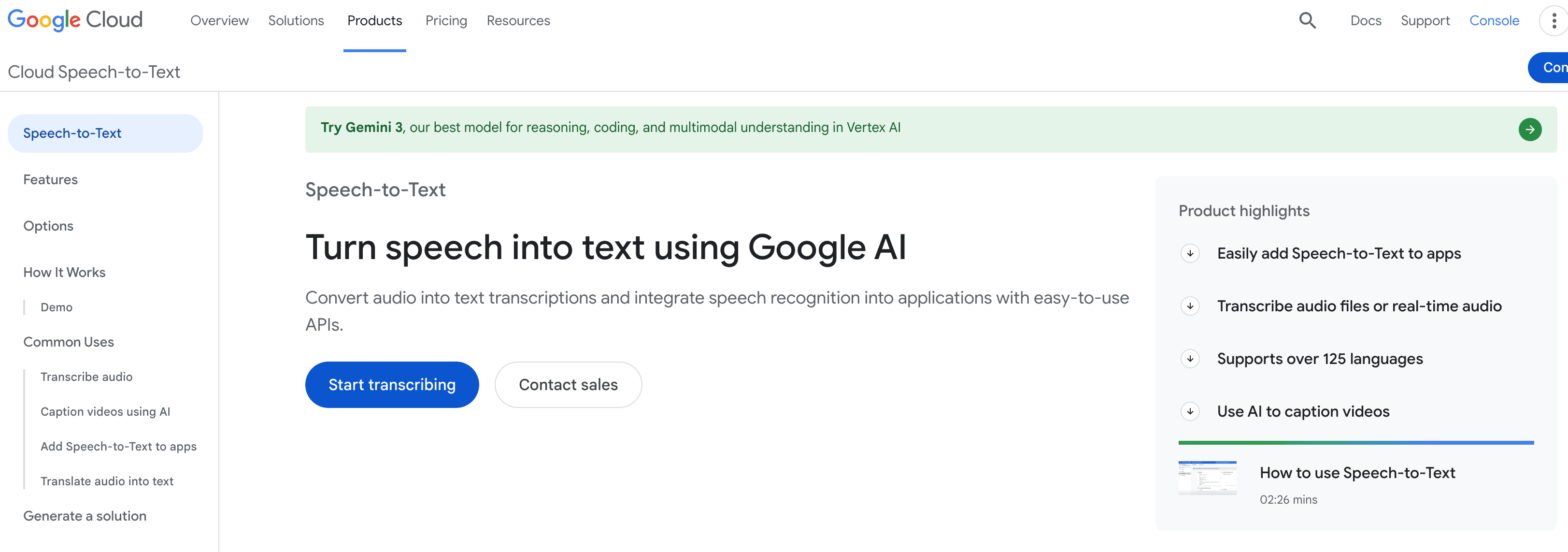
Best for: GCP-aligned buyers who value region-aware processing, model evolution transparency through dated release notes, and batch recognition at scale within an existing Google Cloud environment.
Google Cloud Speech-to-Text is a managed STT service built into the Google Cloud Platform. The V2 API introduces reusable recognizers, fully regionalized service invocation, and the Chirp 3 model with a built-in denoiser, speaker diarization, speech adaptation, and automatic language detection. For GCP-native teams, ecosystem fit is a genuine advantage: identity, networking, procurement, and monitoring all connect to existing infrastructure.
Regional endpoints are documented for teams with EU or US data residency requirements, though V1 and V2 differ significantly and should not be conflated in planning. V2 pricing is per-minute with tiered rates; CMEK encryption support carries additional cost that compliance-driven buyers should factor into total cost of ownership.
Key strengths: Active model evolution via dated, public release notes; V2 regionalization for data residency; Chirp 3 built-in denoiser; speaker diarization and adaptation documented; CMEK support.
Limitations: Cloud-only; V1 and V2 pricing and features differ substantially; accuracy claims require buyer validation on real audio.
Amazon Transcribe
Managed AWS speech-to-text for transcription pipelines.
Best for: AWS-native organizations building transcription pipelines and contact center analytics workflows where managed service operations and AWS security primitives are primary decision drivers.
Amazon Transcribe is a managed transcription service that competes on operational reliability and depth of AWS integration rather than cutting-edge model performance.
Teams already running data infrastructure on AWS benefit from unified billing, IAM access control, and predictable SLAs within a procurement relationship that already exists. Batch and streaming paths are clearly separated, with dedicated guides for each. Processing audio files in batch and real-time transcription via streaming are priced separately; AWS explicitly warns that streaming "may have accuracy limitations in some cases," a relevant signal for voice-agent decisions where accuracy and latency are in tension.
Domain-specific language models and PII redaction carry additional per-minute charges on top of the base rate; any pipeline using those features needs to be costed at actual volume rather than headline figures. Amazon Transcribe Medical is HIPAA-eligible, subject to contractual and architectural requirements.
Key strengths: Mature batch and streaming paths with explicit protocol documentation; feature-by-language matrix; AWS-native security primitives; transparent streaming accuracy trade-off disclosure.
Limitations: Cloud-only; PII redaction is probabilistic and requires human review; HIPAA eligibility is contract and architecture dependent; add-on costs compound at volume.
Gladia
Bundled AI transcription with code-switching and WebSocket eventing.
Best for: Product teams wanting speech-to-text with code-switching and automatic language detection bundled into a single API surface.
Gladia bundles diarization, automatic language detection, code-switching, and support for 100+ multiple languages across plans rather than pricing them as add-ons. The live WebSocket API documents specific event types including speech start, speech end, and transcript events, which is useful for building voice product control logic.
Code-switching handles audio that moves between languages mid-conversation, with documented accuracy and latency trade-offs.
For regulated buyers, Gladia references SOC 2 Type 2, HIPAA, and GDPR; request evidence artifacts before relying on those claims. Enterprise on-premises deployment lacks public architectural documentation; confirm feasibility directly before selecting it for that use case.
A free tier includes 10 hours per month.
Key strengths: Language detection and code-switching; WebSocket event types documented; 10 hours free monthly; zero data retention option available.
Limitations: No publicly documented on-premises deployment; enterprise deployment architecture requires vendor confirmation.
Deepgram
Developer-first speech recognition API.
Best for: Developer teams building voice agents or contact center analytics who want explicit model choice, strong performance on difficult audio, and the option to self-host.
Deepgram is the default for many developers, built around model selection tuned to interaction patterns. Nova-3 is recommended for multi-speaker audio with background noise, crosstalk, or far-field conditions. Flux is designed for voice-agent pipelines with built-in end-of-turn detection, which matters for conversational applications where the system needs to determine when a speaker has finished.
Teams can upload files — audio files, video recordings, or large archives — for batch processing alongside live streaming. Speaker diarization is available as an add-on supporting up to 20 channels; at production volume, diarization, keyterm prompting, and redaction each carry separate per-minute charges that stack onto the base rate. A pipeline processing millions of minutes annually will see that cost compound quickly.
Self-hosted deployment is formally documented across major cloud providers and on-premises GPU infrastructure. Pricing includes a $200 free credit with published add-on costs.
Key strengths: Nova-3 for noisy multi-speaker audio; self-hosted deployment; keyterm prompting for vocabulary adaptation; transparent add-on pricing.
Limitations: Language coverage differs significantly by model and mode. Self-hosting requires GPU infrastructure ownership. Diarization and custom vocabulary are add-on costs, not bundled.
AssemblyAI
AI transcription with AI summaries and sentiment detection.
Best for: Product teams building voice agents and speech analytics workflows who need explicit streaming endpoint controls and audio intelligence beyond the raw transcript.
AssemblyAI pairs core speech recognition with audio intelligence: AI summaries, sentiment detection, topic detection, and speaker labeling for meeting notes and contact center analytics. Its public changelog publishes dated speech recognition accuracy improvements, which matters for teams maintaining production integrations. Real-time transcription streaming distinguishes between edge routing for minimum latency and US/EU data zone endpoints for data residency.
The intelligence features (summaries, sentiment, topic detection, speaker labels) are priced separately rather than bundled; for teams using several of them, the total cost per audio hour rises significantly above the base speech recognition rate. Run the numbers against your expected usage mix before treating the headline rate as the actual cost.
Key strengths: Edge and data-zone streaming endpoints; AI summaries, sentiment, and topic detection; transparent, dated changelog; free tier available.
Limitations: Intelligence features are add-ons that compound at volume. Language coverage varies by model and mode. Self-hosted architecture requires a sales engagement.
Dragon by Nuance
Professional dictation software for professionals.

Best for: Professionals in legal, medical, or specialist contexts who need personalized dictation software for intensive desktop workflows, with complex voice commands and fully offline operation.
At the time of writing, Dragon is being sunset, with users being direct towards Azure. Dragon by Nuance installs locally and operates without an internet connection. Its primary use cases are legal dictation, clinical documentation, and intensive professional writing workflows where users dictate at approximately 150 words per minute compared to around 40 when typing.
Dragon supports complex voice commands beyond simple dictation: document navigation, text formatting, custom macros, and desktop application control by voice. Voice commands in Dragon are far more extensive than the basic voice commands available in Google Docs or mobile voice typing tools.
Users can dictate spoken words directly into any application, and the dictation software adapts to their vocabulary over time. Unlike cloud-based speech recognition software, Dragon's model learns directly from user corrections and training data over time, personalizing to a specific voice and vocabulary in a way generic transcription services do not replicate.
The learning curve is real; for professionals who dictate daily in specialist domains, the result is highly accurate dictation software that gets better the more it is used. Dragon is subscription-based with no free plan.
Key strengths: Fully offline operation; personalized vocabulary that improves with use; complex voice commands and macros; strong accuracy on specialist professional vocabulary.
Limitations: No free plan; significant learning curve; desktop app only; not designed for API integration or batch transcription.
Whisper
Open-source speech-to-text model for teams that want flexibility over managed service polish.
Best for: Developers who want an open-source transcription model they can run locally or build around themselves, and who are comfortable trading packaged enterprise features for control.
Whisper is best understood as the open-source baseline of modern speech-to-text, rather than a full commercial platform. OpenAI released the code and model weights under the MIT License, and the current model family spans multiple sizes plus a faster turbo variant. It was trained on 680,000 hours of web audio and transcripts across 98 languages, which is why it remains a credible option for multilingual transcription, translation to English, and general-purpose speech recognition on difficult audio.
Where Whisper is less compelling is productization. OpenAI’s own model card says it is especially useful for English ASR, but recommends robust evaluation before deployment, notes uneven performance across languages and dialects, and warns that outputs can include hallucinated text. It also says Whisper is not built for real-time transcription out of the box, and that capabilities such as speaker diarization are not robustly evaluated in the base release. In OpenAI’s current API docs, the newer GPT-4o transcription models, not original Whisper, are the higher-quality managed path, with diarized output reserved for gpt-4o-transcribe-diarize.
Key strengths: Open-source and self-hostable; multilingual transcription and translation; broad ecosystem adoption; flexible for teams that want to own the stack.
Limitations: Not a packaged enterprise service; real-time and diarization need extra engineering or adjacent tooling; performance varies by language; careful validation is needed in high-stakes domains.
Emerging platforms worth watching
These platforms are earlier in enterprise readiness than the eight covered above, but worth tracking if you're evaluating the broader market.
Soniox
A developer-focused API built around a single universal model covering 50+ languages. Gaining traction with teams who want a clean, simple integration without model selection complexity. Enterprise packaging is still maturing.
Cartesia
Primarily a text-to-speech platform, but expanding into voice AI infrastructure. Worth watching for teams building end-to-end voice pipelines rather than transcription-only workflows.
Mistral's Voxtral
An open-weight speech model from Mistral AI, notable for strong multilingual performance. Early days for enterprise packaging and managed-service readiness, but a credible open-source option for teams comfortable self-hosting.
Microsoft MAI-Transcribe-1
Microsoft's standalone transcription model, separate from Azure Speech. Shows strong benchmark performance but enterprise procurement and deployment documentation is still limited at time of writing.
NVIDIA Parakeet
A family of open ASR models optimized for NVIDIA hardware. Strong performance on English, particularly in low-latency scenarios. Best suited to teams already running NVIDIA infrastructure who want to self-host.
ElevenLabs
Known primarily for voice cloning and TTS, ElevenLabs has moved into transcription. Worth watching for teams wanting a single vendor for both speech-to-text and text-to-speech workflows.
Built-in voice typing and consumer dictation apps
Most of this guide covers API-grade speech-to-text services designed for developers and enterprise teams. But a significant share of users searching for speech to text apps are looking for something different: a dictation app for personal writing, voice typing on a mobile app, or a way to capture notes hands-free.
Consumer dictation tools and voice typing apps are easier to start with but lack speaker diarization, real-time transcription API access, and the accuracy controls that production environments need.
Google Docs voice typing
Google Docs includes a built-in voice typing tool accessible from the Google Docs Tools menu. A microphone icon appears in the document margin; click it and begin speaking naturally to convert spoken words into transcribed text in real time.
Voice commands handle basic punctuation — say "period" or "exclamation point" — and Google Docs voice typing supports 100+ multiple languages for voice to text dictation. It is included free as part of Google Workspace.
As a Google Docs voice typing solution for single-speaker document writing, it is hard to beat on simplicity. For anything more demanding (batch audio files, real-time transcription API access, or speaker identification), a dedicated transcription service is the right choice. The absence of speaker diarization means it is a single-user tool by design.
Apple Dictation across Apple devices
Apple Dictation is available across Apple devices including iPhone, iPad, and Mac. On iOS 16 and later, dictation processes on-device, meaning voice and speech patterns never leave the device, making it strong for users needing offline support or concerned about data privacy.
A microphone icon in the iOS keyboard activates voice dictation on mobile; on Mac, a keyboard shortcut triggers it system-wide. Apple dictation price is zero — it is built into the operating system — making it one of the most accessible voice typing options for Mac users and iPhone users who want basic dictation without a subscription.
Apple Watch
Apple Watch supports voice dictation for short-form input: messages, reminders, and voice memos. It is a practical one-tap recording tool for quick capture within the Apple ecosystem.
It is not designed for long-form writing, speaker identification, or integration with external transcription services.
Dictation app options for mobile and standalone use
Beyond built-in tools, several standalone speech to text apps and online dictation notepad tools cover use cases that native dictation tools do not.
Just Press Record is a popular iOS dictation app: users just press record, speak naturally, and receive a transcribed text file, with offline transcription on compatible devices and no manual typing required. Press record once and the mobile app handles the rest.
For Android phones and cross-platform use, the Google keyboard includes a voice typing option accessible from any text field, and other voice apps offer similar functionality.
For power users who need to upload files — audio files, video recordings, or longer video files — or handle multi-speaker audio with background noise, dedicated transcription tools and speech to text apps with speaker identification, speech recognition, and real-time transcription provide meaningfully better output than any mobile app or online dictation notepad.
Google Docs voice typing and Apple Dictation do not support file upload or multi-speaker output. Human transcription services remain an option for high-stakes audio, though modern speech to text tools now match human transcription in speed and approach comparable accuracy on clean audio.
Quick pricing comparison at a glance
Free tiers and billing models vary significantly. Some vendors keep pricing relatively simple. Others look cheap at headline rate, then add separate charges for diarization, redaction, medical tuning, or language handling. That means the base rate is only part of the story.
The “notable add-on costs” column is worth reading more closely than the headline price. On platforms where diarization, redaction, prompting, or medical tuning are priced separately, the gap between the base rate and the real production cost can widen quickly. By contrast, Gladia bundles more into the base plan, while Speechmatics splits transcription from optional intelligence add-ons.
Whisper itself is open-source, so self-hosted cost depends on your own infrastructure. For teams that want a managed OpenAI route instead, OpenAI currently lists gpt-4o-transcribe at $0.006/minute and gpt-4o-mini-transcribe at $0.003/minute.
How to choose the right speech-to-text platform for your use case
41% of US adults use voice search daily. The voice recognition market is projected to reach $25 billion. The tools are not interchangeable: the right one depends on where your audio lives and what you are building.
The right starting point is use case, not feature lists. Whether you need a voice to text transcription service for a production pipeline or a simple dictation app for personal writing, evaluate accuracy on your actual audio first, then check deployment options, then review compliance documentation.
For regulated environments, "HIPAA compliant" in vendor materials typically means BAA-eligible under specific contractual conditions. Request evidence from the trust center rather than relying on product page language.
Vendor benchmark numbers are a starting point, not a conclusion.
Privacy and compliance requirements (including GDPR and HIPAA) are critical for enterprises and should be verified directly with vendors rather than inferred from product page language.
Final thoughts
The right platform is the one whose accuracy, deployment model, and integration characteristics match the production environment. That is a specific question, not a general one.
Shortlist two or three tools. Test on real audio. The differentiation lives in the specifics: speaker diarization accuracy on your speaker mix, how the model handles your accent distribution, deployment control relative to your data requirements, and API behavior under production load. Your audio is the test.
Related Articles
- Use CasesUpdated: Mar 10, 2026
Best TTS APIs in 2026: ElevenLabs, Google, AWS & 9 More Compared
Tom YoungDigital Specialist - TechnicalUpdated: Apr 14, 2026
Speed you can trust: The STT metrics that matter for voice agents
 Archie McMullanSpeechmatics Graduate
 - TechnicalMar 31, 2026
Speech-to-text in production: what 36 years of hard lessons taught me
 Dr Tony RobinsonFounder

General
How Medical Transcription Supports Clinician Productivity
SpeechmaticsEditorial Team
![[alt: Healthcare is a strain image]](/_next/image?url=https%3A%2F%2Fimages.ctfassets.net%2Fyze1aysi0225%2F4YLB294PotEnVZFTtksUt8%2F0f9e81fbe24027f52d1941713e032217%2Fmedical_blog_header_general_01.webp&w=3840&q=75)
Use Cases
Healthcare is feeling the strain. Multilingual AI can be the answer.
Paolina WhiteSenior Director, Strategic Accounts

Technical
On-device speech-to-text, in 10 questions
Stuart WoodDirector, Product

General
How Law Firms Can Reduce Deposition Costs with AI Transcription
SpeechmaticsEditorial Team

Product
Scale more easily with Speechmatics
SpeechmaticsEditorial Team
General
What Makes a Voice Agent Sound Natural?
SpeechmaticsEditorial Team